
Install and update FreeRefMod
FreeRefMod isn't in the Chrome Web Store, so Chrome installs it from a folder on your computer. It takes about two minutes, and you only need to do it once.
Jump to: Install · Update to a new version · Where is it on my computer? · Use it
Install
1. Download the ZIP
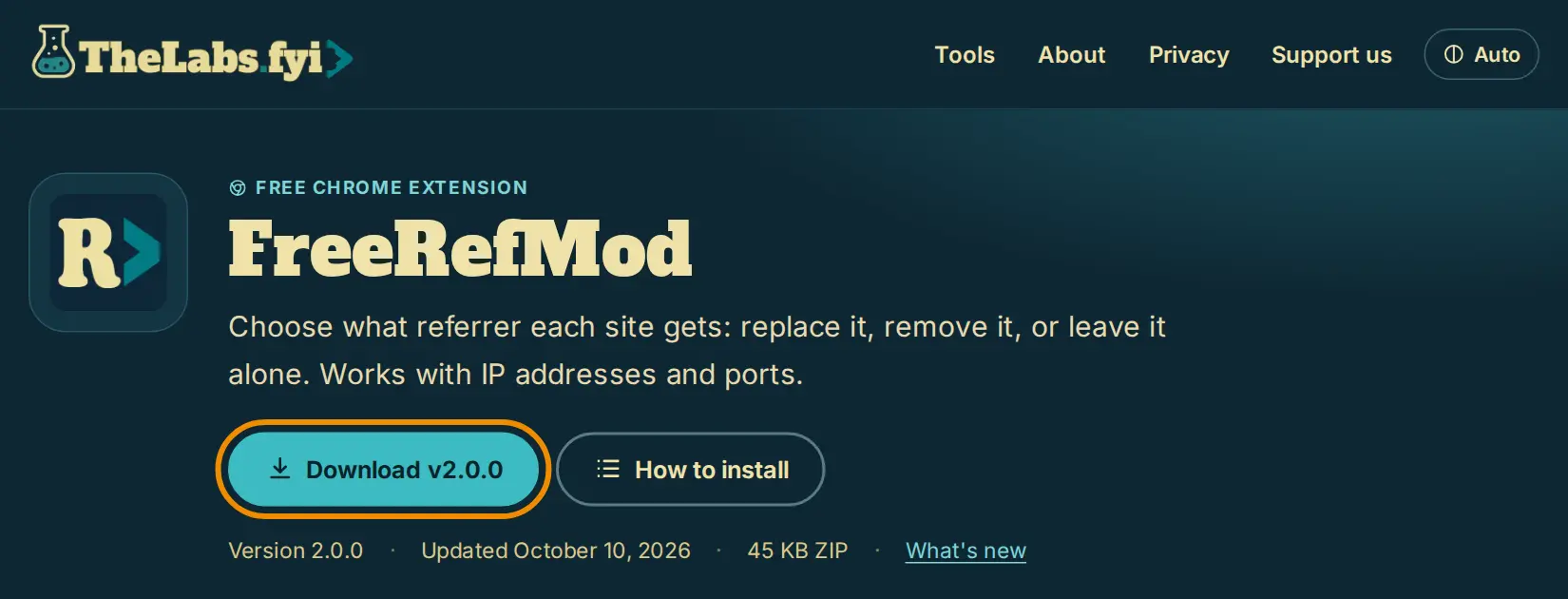
On the FreeRefMod page, click Download.
2. Unzip it somewhere it can stay
Chrome keeps using this folder, so put it somewhere you won't tidy away, like Documents. On Windows: right-click the ZIP → Extract All…. On a Mac, double-click it. You'll get a folder named FreeRefMod with a file called manifest.json inside.
3. Turn on Developer mode
Type chrome://extensions in the address bar and press Enter. Turn on Developer mode at the top right.

4. Click "Load unpacked" and pick the folder
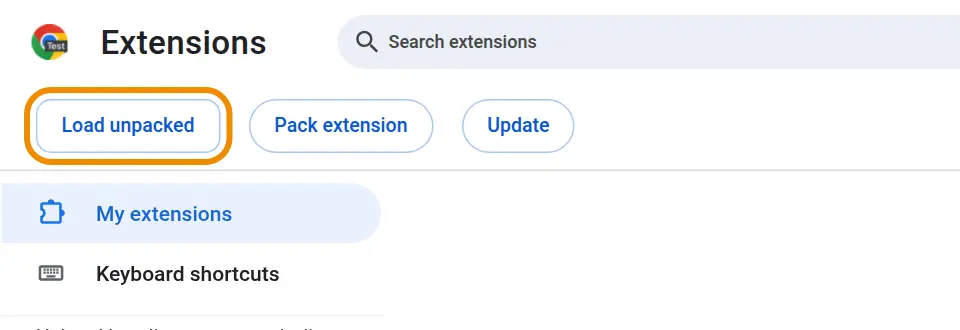
Click Load unpacked, choose the FreeRefMod folder from step 2 (the one with manifest.json in it) and click Select Folder.
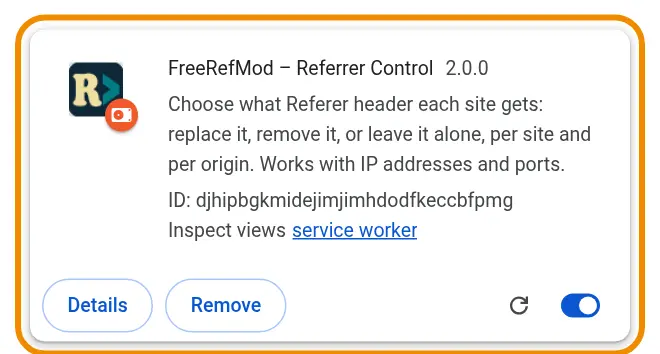
FreeRefMod now shows up with your other extensions.
5. Pin it to the toolbar
Click the puzzle piece at the top right of Chrome, then the pin next to FreeRefMod, so its switch is one click away.
Update
FreeRefMod 2 tells you when there's a new version: a yellow note appears at the top of its popup. Your rules stay with the copy Chrome already knows, so update that folder rather than installing a second copy.
- Make a backup first (just in case): FreeRefMod's Options → Backup → Download backup. In version 1.x it's Export configuration.
- Find the folder FreeRefMod runs from (next section).
- Download the new ZIP, unzip it, and copy everything inside its FreeRefMod folder into your existing FreeRefMod folder, replacing the old files.
- On
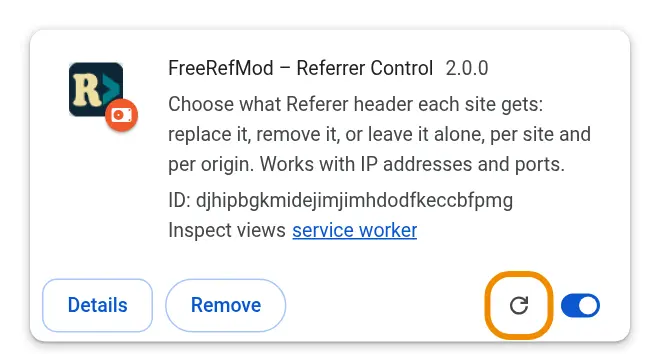
chrome://extensions, click FreeRefMod's reload arrow.
Installed the new version as a second copy by mistake? It starts with no rules. In its Options, choose Restore from backup and pick the file from step 1, then remove the old copy.
Where is FreeRefMod on my computer?
On chrome://extensions, click Details on FreeRefMod.
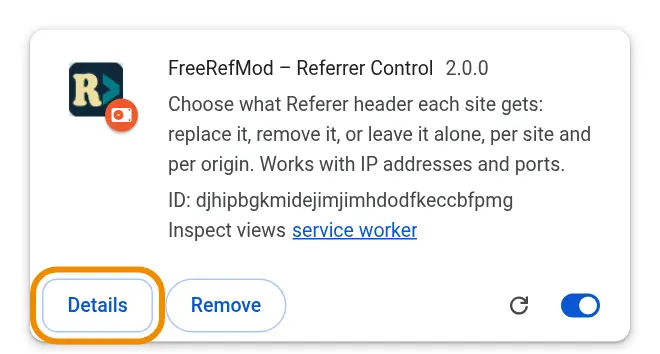
Scroll down to Source. Loaded from shows the folder (on Windows it looks like C:\Users\you\Documents\FreeRefMod). Click it to open the folder.

Use it
The quick way: go to the site, for example your router's login page, click the FreeRefMod icon and choose Send a set referrer here… and type the address the device expects, which is usually its own local address (for an InHand LTE router, http://192.168.2.1/). Or choose Send no referrer here. The rule takes effect on the next page load. The popup also has the on/off switch and shows the rules for the site you're on.
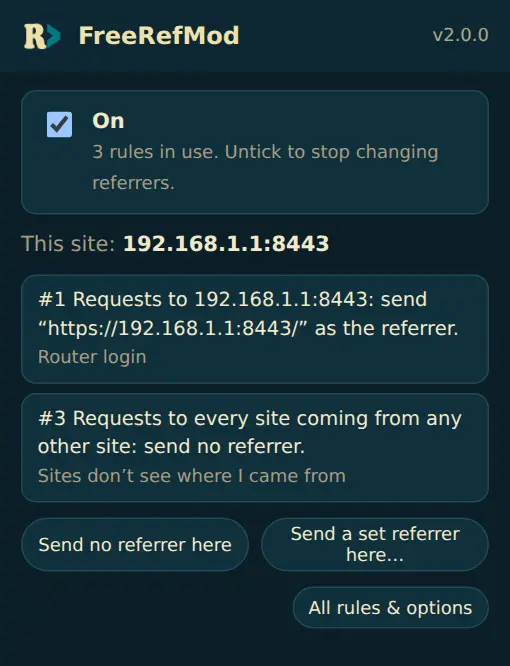
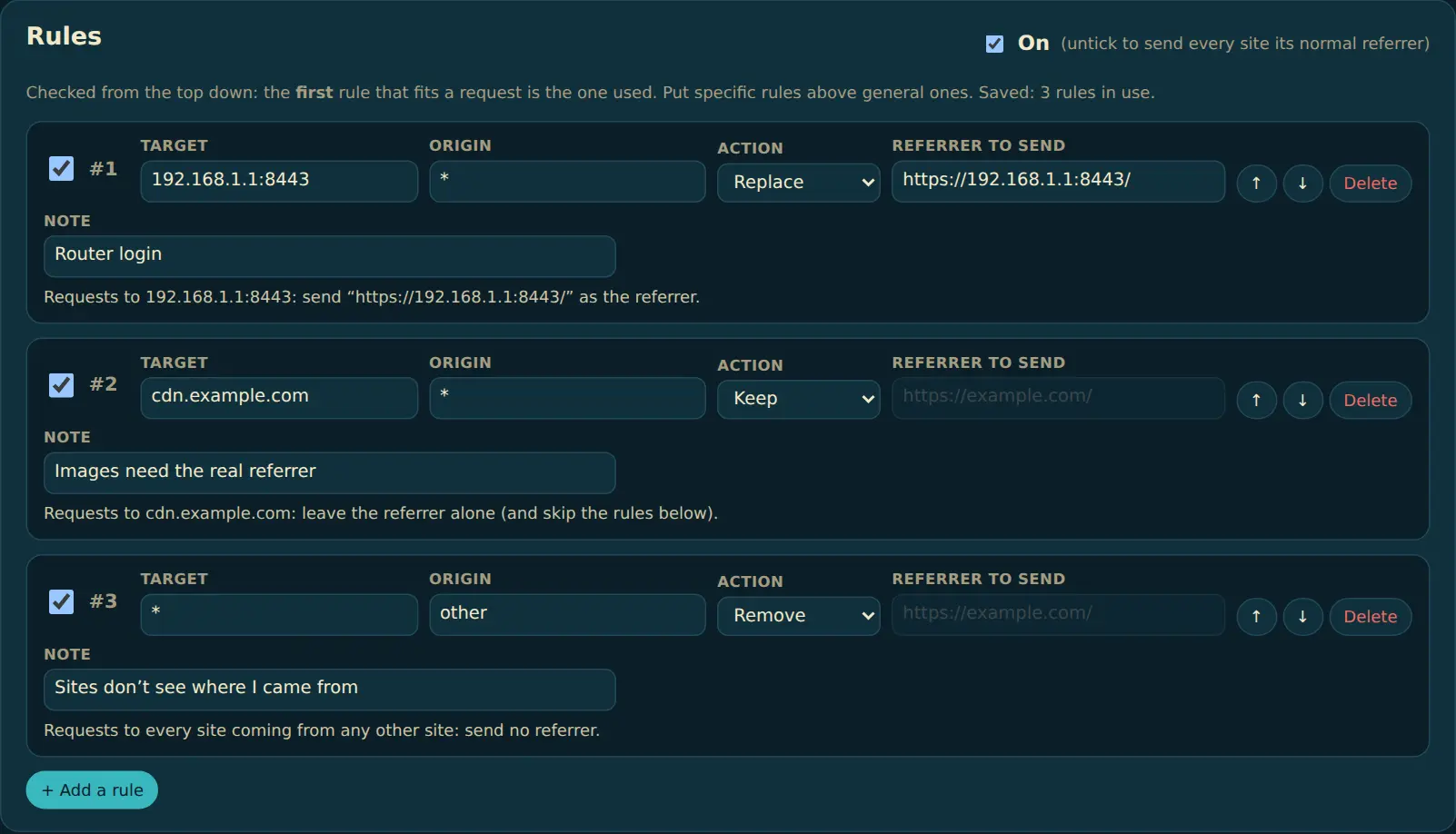
All rules are in Options. The first rule in the list that fits a request is the one used, so put specific rules (one site, one device) above general ones (*). Every rule shows what it does in plain words, and a rule with a mistake is marked in red and left out until it's fixed.
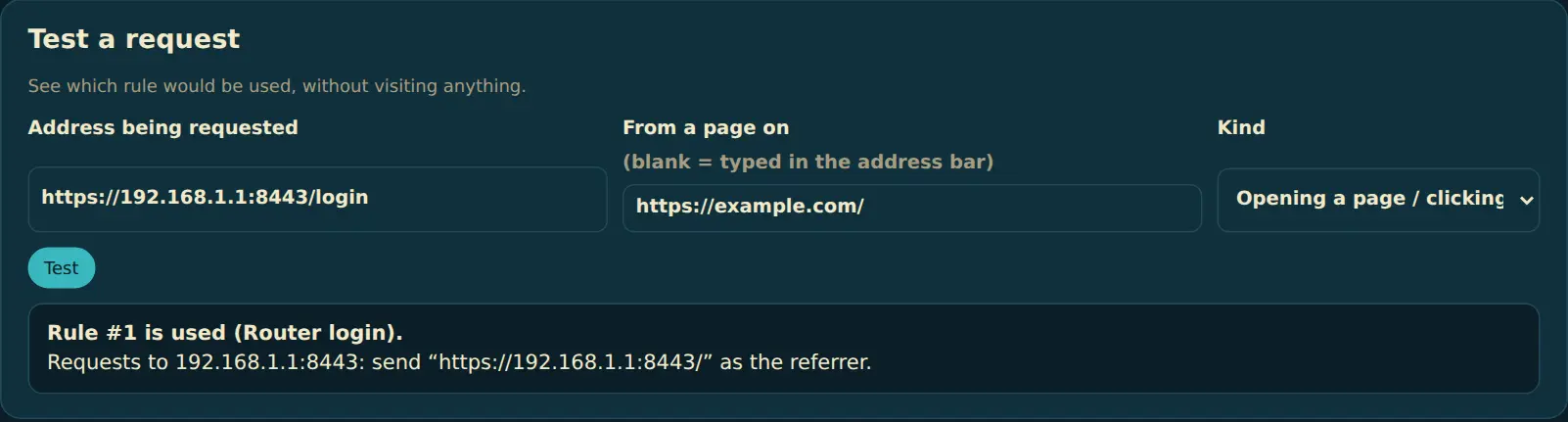
Not sure a rule works? Use Test a request: type the address and the page you come from, and it tells you which rule will be used.
Questions? support@thelabs.fyi